
How a Project Runs at 24K Design Studio
Good projects are boring in the middle and clear at both ends. Here is what happens from first call to launch, what we need from you at each stage, and where timelines usually slip.
Typical marketing site
Several weeks, dated at kickoff
Timelines below cover the web design and web development process for stores and apps as well, with catalogue and release time added where it applies.
What this page covers
Read it before you send a brief; it will save a round of questions. Each stage below says what happens, what we need from you, and the point where projects most often drift.
The same sequence applies whether the work is a marketing site, an e-commerce store, a mobile app, or brand and graphic design. What changes is the middle: stores add catalogue and order testing, apps run in releases, and graphic design work runs alongside whichever build is in flight.
Stage one: the first conversation
Thirty to forty-five minutes, usually. The subject is the business rather than the website.
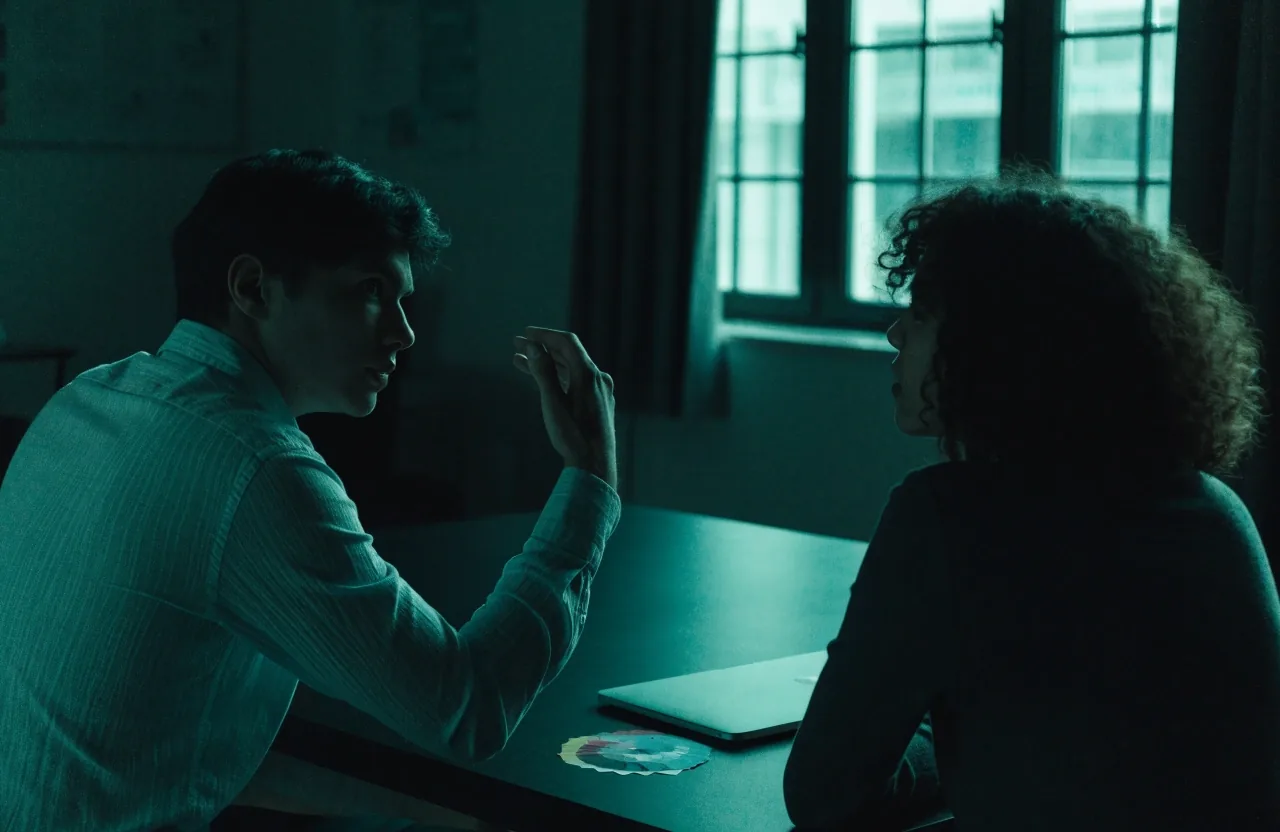
We start with a call to understand the business: who buys from you, how they find you now, and what is failing. If you have analytics, screenshots, or a competitor list, bring them. By the end we should know whether this is a web project, an app, a store, or brand work, and roughly what scale.
No proposal comes out of this call. It comes after we have thought about scope, because a number given on the call is a guess and guessing wastes your time.
What to bring to that call
- A rough sense of budget and deadline, even if it is a range.
- Who approves the work, and who writes the content.
- Examples of sites you like and, more usefully, sites you dislike.
- Any fixed date: a season, a trade show, a launch tied to an event.
Scoping and the written proposal
Within a few working days you get a scope document. It lists pages or screens, templates, custom functionality, what is excluded, a staged timeline, and itemised costs.
Copy, photography, and translation appear as separate lines if relevant. Read the exclusions carefully; they are where misunderstandings live. If something is missing, say so now — it is cheaper to redraw scope on paper than in build.
In the scope document
- Included
- Pages and screens, reusable templates, custom functionality, and the staged timeline.
- Excluded
- Copywriting, photography, translation, and third-party licence fees where they apply.
- Costs
- Itemised line by line, so a change of mind has a visible price before work starts.
Discovery and structure
Once we start, the first real work is structure. We map the pages a visitor needs, decide what belongs above the fold on a phone, and write the page hierarchy before any visual design.
For stores, this is where catalogue structure and product attributes get settled. For apps, it is where we agree the first release and what waits. This stage produces sitemaps and wireframes, not pretty screens — and it is where unclear messaging surfaces, which is useful.

The list is short on purpose. Every page added at this stage has to be designed, written, built, and maintained afterwards.
UX and UI design
Visual design follows structure. We produce responsive layouts for the key templates, starting with the pages that carry the most weight: home, service or product, contact, checkout.
You review in context, meaning you see the mobile layout as a mobile layout rather than a wide screen squeezed down.

Revision rounds
Two per template
Included in scope. Further rounds are quoted, so nothing arrives as a surprise invoice.
Starting templates
Home, offer, contact, checkout
The pages that carry the most weight are designed first; the rest inherit their rhythm.
Feedback that moves things forward
Feedback works best when it is specific: this heading is unclear, this form is too long, this button competes with that one. Notes on a screenshot beat notes in an email thread, because the designer can see the page you are looking at.
If a decision needs several people, gather their comments into one reply. Parallel feedback from five directions is the fastest way to slow a project down.
Where projects actually drift
Almost never in design or development. Nearly always in content and approvals, and both are predictable enough to plan around.
Content arrives late
Text written by four people in four tones needs one edit pass before it can be laid out. Name a single content owner per page and give them a date.
Approvals stall
A review window with a date closes faster than an open invitation. One approver signs off; everyone else comments through them.
Scope grows quietly
A new page here, a new integration there. Each one is fine; together they move the launch date. We quote changes before building them.
We flag slippage as it appears rather than at the deadline, and we tell you which item is holding the date. If your launch is tied to an event or season, tell us in the first call and we plan backwards from it.
Build and content loading
Development happens on a staging environment you can visit at any time. We build the templates, connect the CMS, and load the content you supply.
This is usually where timelines slip, because content arrives late or in the wrong format. If your team is writing text, agree who owns each page and by when before build starts.
For e-commerce, this stage includes catalogue entry, shipping and returns pages, and order testing from a real device. For apps, it includes device testing and the notification setup. Both add time that is easy to underestimate on paper.

You can see it as it grows
The staging link is yours from the first template onward. Nothing is hidden until a big reveal, so there are no surprises at launch.
Testing before launch
Testing covers the unglamorous parts: forms that must reach the right inbox, checkout flows that must complete, pages that must load on a mid-range Android phone.
We check the pages most likely to cost you money if they break, not every pixel on the site. You get a review window to click through the staging site yourself.
Then we fix what is found, run the checks again, and agree a launch date.
Launch and the first weeks after
Launch means DNS, redirects, analytics, and a final pass on the live site. The first weeks after are for observation: are enquiries arriving, are people abandoning checkout, is anything broken on a device we did not test.
Small fixes in this window are part of finishing the job properly, not a new project. We will tell you what to watch and what to leave alone, because changing too much in week one makes it hard to tell what helped.

Handover and ongoing support
Handover includes a walkthrough of the CMS, a short written guide for whoever edits content, and access details for the accounts we set up. After that, most clients move to a monthly arrangement covering hosting support, updates, and content changes.
You are never locked in: the site, the accounts, and the documentation belong to you.
What we need from you
- One decision-maker who can approve work.
- Content owners named per page, with dates.
- Brand assets if they exist.
- Access to your domain and any existing hosting.
- Feedback inside the review windows.
That list sounds obvious. It is also the difference between a project that runs to schedule and one that drifts.
How timelines actually behave
A responsive marketing site typically runs several weeks from kickoff, with content and approvals as the bottleneck rather than design or development. Stores add catalogue and order-testing time. Apps run longer and ship in releases.
We give you a dated plan at the start and flag slippage as it appears, not at the deadline.
Questions we get before kickoff
Three that come up most often. If yours is not here, the studio can answer it directly.
Talk to the studioHow involved do I need to be?
One approver and named content owners per page. Beyond that, review windows are short and specific rather than open-ended.
What if we do not have content ready?
We can structure the site around placeholder copy and load real content later, but the launch date moves. Copywriting can be quoted separately.
Do we own the site after launch?
Yes. The build, the accounts, and the documentation are handed to you. Ongoing support is optional and monthly.
Send a brief, or just ask about timelines
Tell us what you are building and when you need it live. We will come back with questions first and a scope document within a few working days.
61 Upper Paya Lebar Road, Tat Wan Building, #05-02, Singapore 534816
Monday to Friday, 9:00 AM – 6:00 PM · 4753848846 · [email protected]